WordPress powers millions of websites worldwide, making it one of the most popular content management systems available today. Its popularity also makes it a common target for cyberattacks. Fortunately, most security incidents can be prevented by following good security practices.
In this guide, we’ll explore the most common WordPress security mistakes and explain how you can avoid them to keep your website safe, secure, and running smoothly.
Why WordPress Security Matters
Your website is one of your business’s most valuable digital assets. A security breach can result in:
- Website downtime
- Loss of customer trust
- Stolen data
- SEO ranking penalties
- Malware infections
- Expensive recovery costs
Taking a proactive approach to security helps protect your business and your visitors.
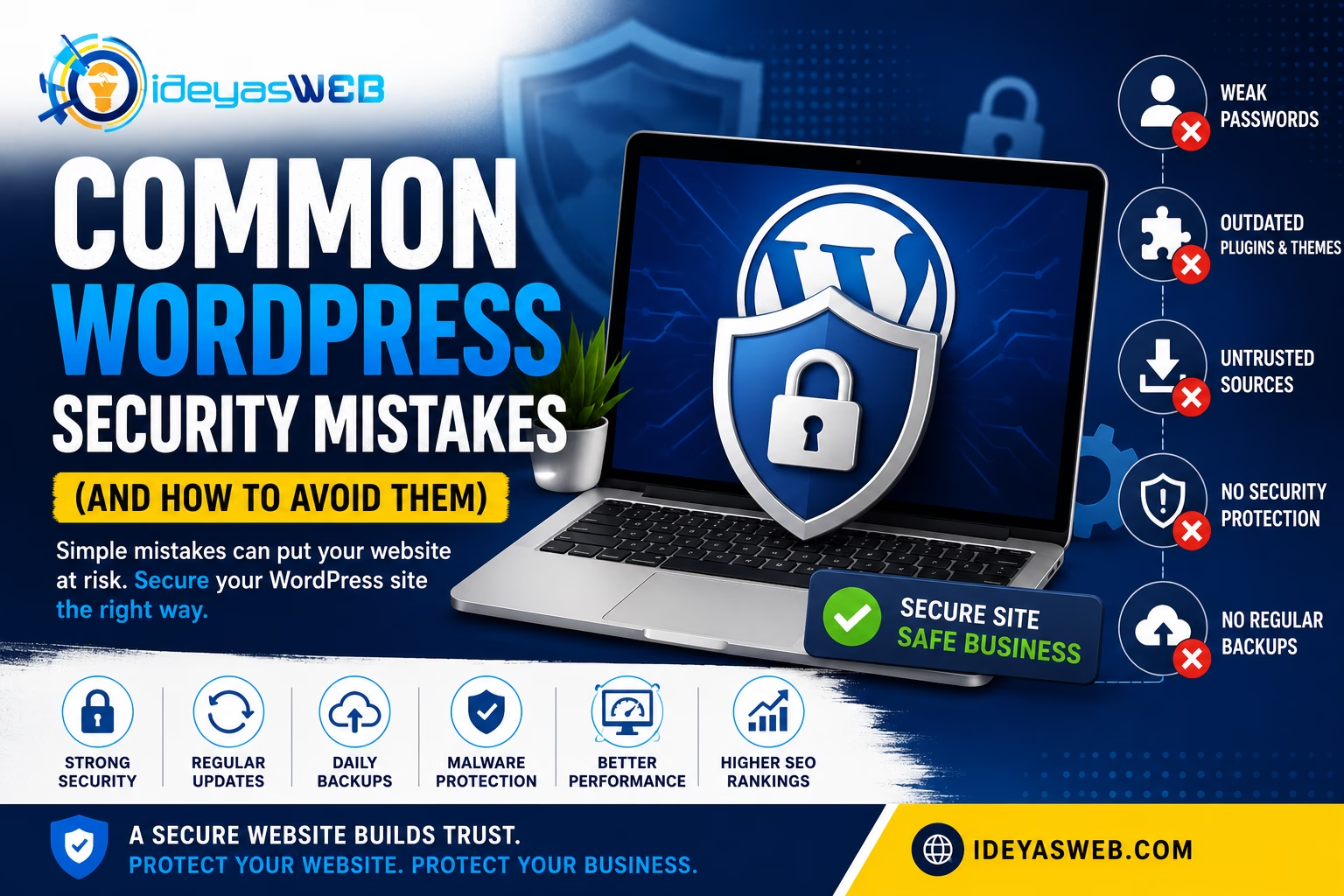
1. Using Weak Passwords
One of the easiest ways hackers gain access to websites is through weak passwords.
Avoid passwords like:
- password123
- admin123
- companyname2026
Instead, use passwords that include:
- Uppercase and lowercase letters
- Numbers
- Special characters
- At least 12–16 characters
Consider using a password manager to generate and securely store strong passwords.
2. Keeping the Default “admin” Username
Many automated attacks first attempt to log in using the username admin.
If your administrator account still uses “admin,” consider creating a new administrator account with a unique username and removing the old one.
Using unique usernames makes brute-force attacks more difficult.
3. Ignoring WordPress Updates
WordPress regularly releases updates that include:
- Security patches
- Bug fixes
- Performance improvements
- Compatibility enhancements
Running outdated versions of WordPress, themes, or plugins increases your risk of being exploited.
Always keep your website updated after testing changes on a staging environment when possible.
4. Installing Too Many Plugins
Plugins extend your website’s functionality, but every plugin introduces additional code.
Common problems include:
- Security vulnerabilities
- Performance issues
- Plugin conflicts
- Unsupported software
Only install plugins you truly need, and remove any that are inactive or no longer maintained.
5. Downloading Themes or Plugins from Untrusted Sources
Free “premium” themes and plugins downloaded from unofficial websites often contain hidden malware or backdoors.
Always download software from trusted developers or the official WordPress Plugin Directory.
6. Not Using SSL (HTTPS)
An SSL certificate encrypts communication between your website and its visitors.
Benefits include:
- Protecting sensitive information
- Improving customer trust
- Better browser compatibility
- Supporting search engine optimization
Today, every business website should use HTTPS.
7. Skipping Regular Backups
Even the most secure website can experience unexpected problems.
Without backups, recovering from:
- Hacking attempts
- Server failures
- Human error
- Plugin conflicts
can become extremely difficult.
Automated backups should be part of every website maintenance plan.
8. Not Using Two-Factor Authentication (2FA)
Two-Factor Authentication adds an extra layer of protection beyond your password.
After entering your password, you’ll verify your identity using:
- An authentication app
- A security key
- A one-time verification code
This significantly reduces the risk of unauthorized access.
9. Leaving Unused Themes and Plugins Installed
Inactive plugins and themes may still contain vulnerabilities.
Regularly review your website and remove:
- Unused plugins
- Old themes
- Demo content
- Test installations
Keeping your website clean reduces potential security risks.
10. Ignoring Security Monitoring
Many website owners only discover problems after visitors report them.
Regular monitoring helps identify:
- Failed login attempts
- Malware infections
- File changes
- Suspicious activity
- Downtime
Early detection often prevents small issues from becoming major incidents.
Additional WordPress Security Best Practices
To further strengthen your website:
- Limit login attempts
- Enable a website firewall (WAF)
- Disable file editing from the WordPress dashboard
- Use secure file permissions
- Protect the wp-admin area
- Change database table prefixes during installation
- Keep PHP updated to a supported version
- Regularly review administrator accounts
Security works best when multiple protective measures are combined.
How to Know If Your Website May Be Compromised
Watch for these warning signs:
- Unexpected pop-ups
- Website redirects
- Unknown administrator accounts
- Slow website performance
- Search engine warnings
- Suspicious files
- Increased spam emails
- Visitors reporting unusual behavior
If you notice any of these issues, investigate immediately.
How Ideyasweb Helps Secure Your Website
At Ideyasweb, we help businesses protect their websites through proactive maintenance and security best practices.
Our Website Care & Maintenance services include:
- WordPress core updates
- Theme and plugin updates
- Malware scanning
- Security monitoring
- Website backups
- Performance optimization
- Technical support
- Website health checks
Our goal is to help keep your website secure, reliable, and performing at its best.
Final Thoughts
Website security isn’t something to think about only after a problem occurs. By following good security practices and maintaining your website regularly, you can greatly reduce the risk of attacks and keep your business running smoothly.
A secure website builds trust with your visitors, protects your online reputation, and helps ensure your business remains available whenever customers need you.
Protect Your WordPress Website Today
If you’re unsure whether your website is properly secured, Ideyasweb can help.
Our team can review your website, identify potential security risks, and recommend practical improvements to help safeguard your business and your customers.
Contact us today to learn more about our Website Care & Maintenance and Security Services.