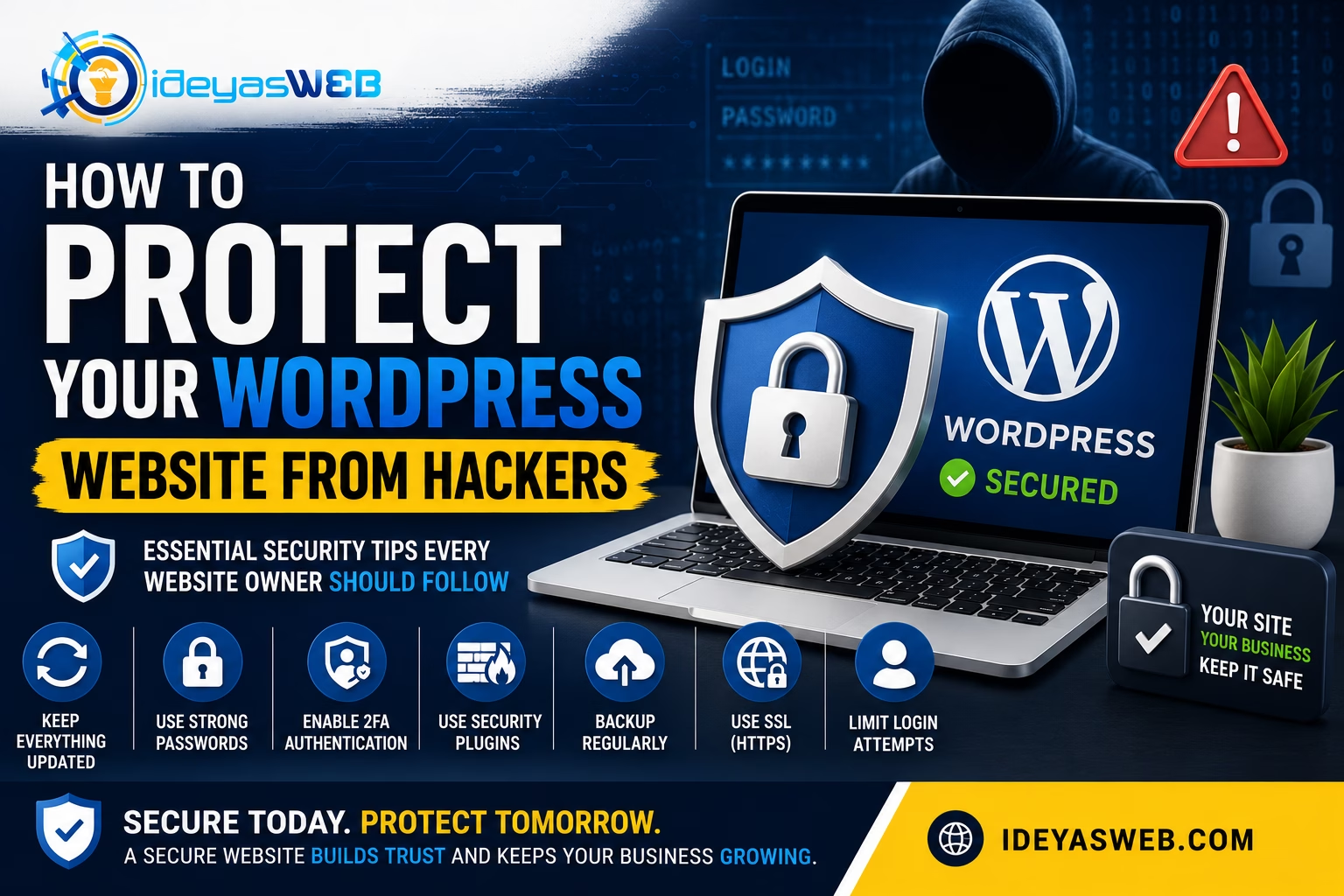
Essential Security Tips Every Website Owner Should Follow
WordPress powers over 40% of websites worldwide, making it one of the most popular content management systems available today. Unfortunately, its popularity also makes it a common target for hackers.
The good news is that most WordPress security breaches are preventable. By following a few best practices and maintaining your website regularly, you can significantly reduce the risk of cyberattacks.
In this guide, we’ll share practical tips to help you protect your WordPress website from hackers and keep your business safe online.
Why Do Hackers Target WordPress Websites?
Hackers don’t always target specific businesses. Instead, many attacks are automated and scan the internet looking for vulnerable websites.
Their goals may include:
- Stealing customer information
- Sending spam emails
- Injecting malware
- Redirecting visitors to malicious websites
- Taking control of your hosting account
- Damaging your website’s reputation
A secure website protects both your business and your customers.
1. Keep WordPress Updated
One of the simplest and most effective ways to improve security is to keep WordPress up to date.
Always update:
- WordPress Core
- Themes
- Plugins
- PHP Version
Updates often include important security patches that fix known vulnerabilities.
2. Use Strong Passwords
Weak passwords remain one of the biggest security risks.
Use passwords that include:
- Uppercase letters
- Lowercase letters
- Numbers
- Special characters
- At least 12–16 characters
Avoid using:
- Company names
- Birthdays
- “password123”
- Simple keyboard patterns
A password manager can help generate and store secure passwords.
3. Enable Two-Factor Authentication (2FA)
Two-Factor Authentication adds another layer of security.
After entering your password, you’ll also verify your identity using:
- An authentication app
- A security key
- A one-time verification code
Even if someone steals your password, they still won’t be able to access your website without the second verification step.
4. Install Plugins Only From Trusted Sources
Not all plugins are created equally.
Before installing a plugin:
- Check ratings and reviews
- Verify it’s actively maintained
- Download only from trusted developers
- Remove plugins you no longer use
Avoid downloading “nulled” or pirated premium plugins, as they often contain malware or hidden backdoors.
5. Keep Themes Updated
Outdated themes can introduce security vulnerabilities.
Always:
- Update your theme regularly
- Remove unused themes
- Use a child theme for customizations when appropriate
Keeping your theme current improves both security and compatibility.
6. Use an SSL Certificate (HTTPS)
An SSL certificate encrypts communication between your website and visitors.
Benefits include:
- Protecting login credentials
- Securing contact forms
- Building customer trust
- Improving SEO
- Preventing browser security warnings
Every professional website should use HTTPS.
7. Create Regular Backups
Backups are your safety net.
If your website is hacked or experiences a technical problem, a recent backup allows you to restore it quickly.
A good backup strategy includes:
- Daily or scheduled backups
- Off-site storage
- Regular restore testing
Never rely on backups alone—combine them with strong security practices.
8. Limit Login Attempts
Hackers often use automated tools to guess passwords through repeated login attempts.
Limiting failed login attempts helps reduce the effectiveness of brute-force attacks.
Many security plugins provide this feature.
9. Use Website Security Plugins
Security plugins can provide additional protection by offering:
- Firewall protection
- Malware scanning
- Login monitoring
- File integrity checks
- IP blocking
- Security notifications
Choose a reputable security solution and keep it updated.
10. Remove Unused Plugins and Themes
Inactive software can still contain vulnerabilities.
Regularly remove:
- Unused plugins
- Old themes
- Demo content
- Test installations
A clean website is easier to maintain and more secure.
11. Protect Your Login Page
The default WordPress login page is well known.
Additional protection may include:
- Two-Factor Authentication
- Login attempt limits
- CAPTCHA
- Security monitoring
These measures make unauthorized access much more difficult.
12. Choose Reliable Web Hosting
Your hosting provider plays an important role in website security.
Look for hosting that includes:
- Malware protection
- Regular backups
- Firewall protection
- Server monitoring
- Automatic updates
- SSL support
Quality hosting provides a stronger security foundation.
Warning Signs Your Website May Be Hacked
Watch for these common symptoms:
- Unexpected redirects
- Suspicious pop-ups
- New administrator accounts
- Slow website performance
- Browser security warnings
- Spam content appearing on your pages
- Search engines flagging your site
- Unusual hosting resource usage
If you notice any of these issues, investigate immediately.
Build a Complete Website Security Strategy
Website security isn’t about one tool—it’s about combining multiple layers of protection.
A strong security strategy includes:
- Regular updates
- Strong passwords
- SSL certificates
- Website backups
- Security monitoring
- Malware scanning
- Secure hosting
- Ongoing maintenance
Layered security dramatically reduces your risk.
How Ideyasweb Can Help
Keeping a WordPress website secure takes time and expertise.
At Ideyasweb, we offer Website Care & Maintenance services that help protect your website from common security threats.
Our services include:
- WordPress Core Updates
- Theme & Plugin Updates
- Malware Scanning
- Security Monitoring
- Website Backups
- SSL Configuration
- Performance Optimization
- Technical Support
- Website Health Checks
We proactively monitor and maintain your website so you can focus on running your business.
Final Thoughts
Cyber threats continue to evolve, but most successful attacks target websites with weak security practices.
By keeping WordPress updated, using strong passwords, enabling two-factor authentication, performing regular backups, and choosing reliable hosting, you can significantly reduce your website’s risk.
Website security isn’t a one-time task—it’s an ongoing commitment.
Keep Your Website Safe with Ideyasweb
If you’re unsure whether your WordPress website is properly protected, Ideyasweb is here to help.
Our team can review your website, identify potential security risks, and implement best practices to keep your business secure online.
Contact us today to learn more about our Website Care & Maintenance and WordPress Security services.